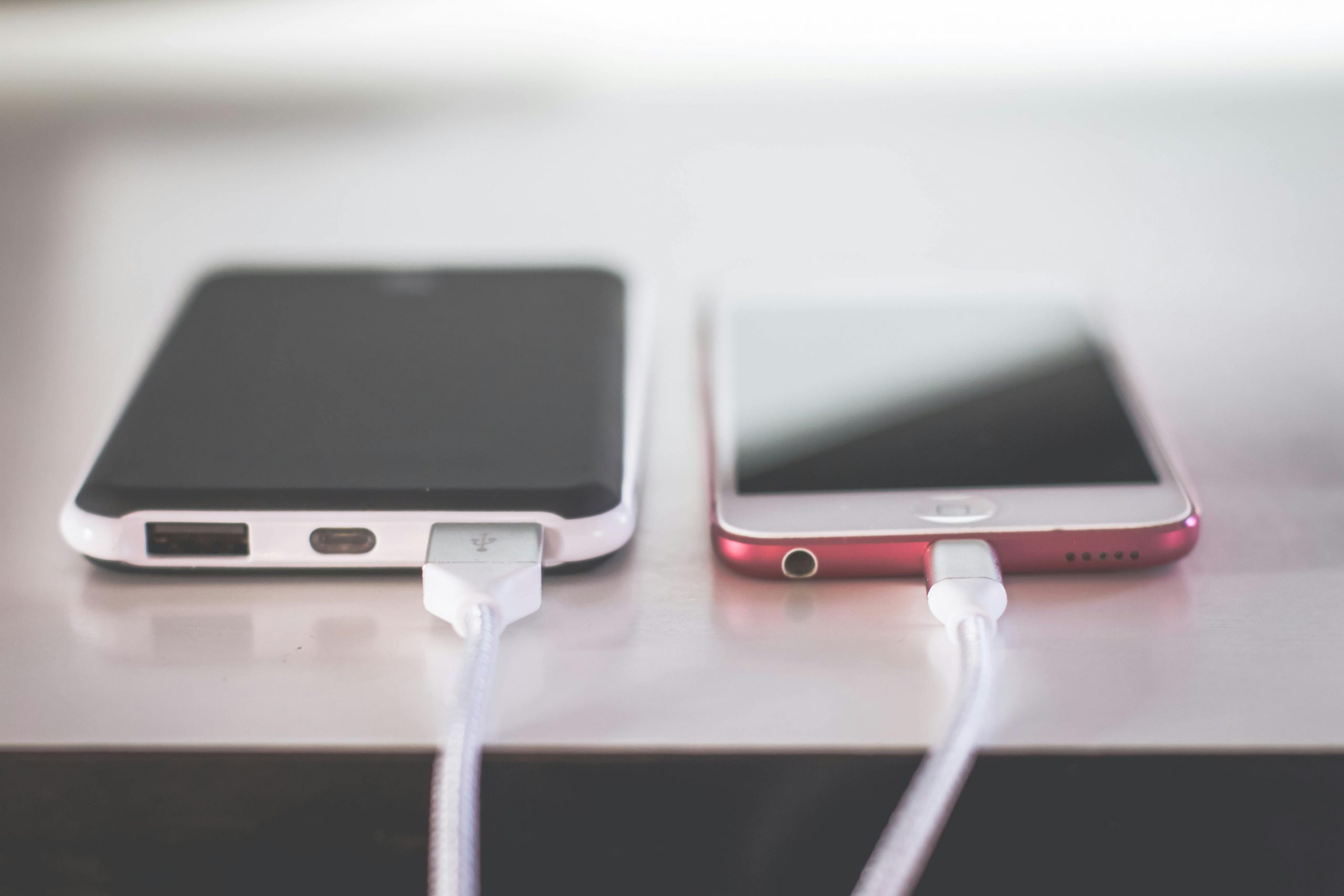

It is a habit most of us have. We brush our teeth, turn off the lights, and plug our smartphones into the charger on the nightstand. We wake up with a 100% charge, ready to take on the day. But have you ever wondered if this routine is actually hurting your device? In the tech world, few topics are debated as much as battery health. You might have heard that charging all night “overloads” the battery or that you should let it drain to 0% before plugging it in.
The question remains: should you charge your phone overnight? To answer this, we need to look under the hood of modern smartphones. Today’s devices are much smarter than the phones we had ten years ago. However, even with advanced technology, there are still ways we can accidentally shorten the lifespan of our expensive gadgets. This guide will break down the science of batteries, debunk common myths, and give you a clear roadmap to making your phone last for years.
How Modern Batteries Actually Work
To understand if overnight charging is a problem, we first have to understand what is happening inside your phone. Almost all modern electronics—from your phone to your laptop—use Lithium-ion (Li-ion) batteries. These batteries are popular because they charge quickly, last a long time, and can hold a lot of power in a small size.
Inside a Lithium-ion battery, ions move back and forth between two sides. When you charge the phone, you are pushing those ions to one side. When you use the phone, they flow back, creating the energy that powers your screen and apps. The “health” of your battery depends on how easily those ions can move. Over time, the materials inside the battery wear down, making it harder for the battery to hold a charge. This is why an old phone might die in four hours while a new one lasts all day.
The Lifecycle of a Battery
- Charge Cycles: Batteries are measured in “cycles.” One cycle is a full 0% to 100% discharge. Most phone batteries are designed to last about 300 to 500 full cycles before they start to noticeably degrade.
- Chemical Aging: Just like a car tire wears down as you drive, the chemicals inside a battery age every time they are used. Heat and high voltage accelerate this aging.
- Smart Charging Chips: Modern phones have a built-in “brain” or charging controller. This chip stops the battery from taking in more power once it hits 100%. This means your phone won’t literally “explode” from being plugged in too long, but it doesn’t mean overnight charging is perfectly harmless.
The Myth of the “Overcharge”
One of the biggest fears people have is that their phone will continue to pump in electricity after it is full, leading to a fire or a melted battery. Let’s clear this up: you cannot “overcharge” a modern smartphone. Once the battery hits 100%, the internal hardware shuts off the intake of electricity. The phone then runs directly off the power cord rather than the battery.
However, there is a secondary issue called “trickle charging.” When your phone is plugged in overnight, it might drop to 99% as it performs background tasks like updating apps or receiving emails. The charger then kicks back in to push it back to 100%. This constant “topping off” keeps the battery in a high-stress state. Imagine a rubber band being stretched to its absolute limit over and over again. Eventually, it loses its elasticity.
Why “100%” Isn’t Always the Goal
- The High-Voltage Zone: Keeping a battery at 100% creates high voltage stress. Lithium-ion batteries are “happiest” when they are in the middle—around 50%.
- Heat Generation: Charging creates heat. If your phone is under a pillow or in a thick case while charging overnight, that heat can’t escape. Heat is the number one enemy of battery longevity.
- Parasitic Loads: This happens when the battery is being drained and charged at the same time. This can confuse the charging controller and cause specific parts of the battery to wear out faster than others.
The Secret Sauce: Optimized Battery Charging
Tech companies like Apple, Samsung, and Google know that people love to charge overnight. To help, they have developed software features called “Optimized Battery Charging” or “Adaptive Charging.”
If you enable this feature, your phone learns your sleep schedule. It will charge your phone to 80% quickly and then stop. It waits until about an hour before you usually wake up to finish the last 20%. This significantly reduces the amount of time the battery spends in the high-stress “100% zone.”
How to Use These Features
- For iPhone Users: Go to Settings > Battery > Battery Health & Charging and ensure “Optimized Battery Charging” is turned on.
- For Android Users: The setting is usually under Settings > Battery > Adaptive Preferences or Battery Saver. Some phones even allow you to set a “cap” where the phone never charges past 85%.
- Check Your Habits: If you have an irregular sleep schedule, these features might not work as well. The phone needs a predictable routine to know when to finish the charge.
Should You Charge Your Phone Overnight? The Verdict
So, is it okay? The short answer is yes, but it’s not the best way. If you plan on getting a new phone every year, you probably won’t notice the damage. But if you want your phone to stay fast and healthy for three or four years, you should change your habits.
If you must charge overnight, make sure the phone is on a hard, flat surface (like a nightstand) rather than a bed or carpet. This allows air to circulate around the device and keep it cool. Also, consider using a slower charger. Fast chargers generate more heat, and since you are sleeping anyway, you don’t need the phone to hit 100% in thirty minutes.
Best Practices for Longer Battery Life
If you want to be a battery pro, you need to go beyond just the overnight question. Here are the gold-standard rules for keeping your device healthy.
The 20-80 Rule
Many tech experts recommend keeping your phone’s battery between 20% and 80%. This avoids the high-stress levels found at the very top and very bottom of the battery’s capacity.
- Avoid the “Red Zone”: Letting your phone drop to 0% regularly is actually very stressful for the battery. Try to plug it in when it hits 20%.
- Don’t Aim for Perfection: You don’t need to stare at your phone and unplug it at exactly 80%. Just avoid keeping it at 100% for twelve hours a day if you can.
Mind the Temperature
As mentioned before, heat is a battery killer. But extreme cold is also bad.
- Remove Heavy Cases: If your phone feels hot when charging, take the case off. Some “rugged” cases act like a winter coat, trapping heat inside.
- Keep it Out of the Sun: Never leave your phone on a car dashboard or by a sunny window while it is charging.
- Room Temperature is Best: Try to charge your phone in an environment that is comfortable for you. If you are sweating, your battery is likely suffering too.
The Connection Between Mind and Tech
In our previous discussions about how to be more optimistic, we talked about how a healthy environment leads to a better mindset. The same applies to your technology. When your phone works perfectly, you feel less stress. You aren’t constantly looking for an outlet or worrying if your phone will die during an important call. Taking care of your tools is a form of self-care. It reduces the “friction” in your day and allows you to focus on the things that actually matter.
Fast Charging: Friend or Foe?
Fast charging is a miracle of modern engineering. Some phones can now charge from 0% to 100% in less than 45 minutes. While this is incredibly convenient, it does come with a trade-off. Fast charging works by “shoving” electricity into the battery as fast as possible during the first 50%. This creates a lot of heat.
Tips for Fast Charging Safely
- Only Use it When Needed: Use a fast charger when you are in a rush to leave the house. If you are just sitting at your desk or going to bed, use a standard 5-watt or 10-watt charger.
- Use Official Cables: Cheap, third-party cables often lack the safety chips required to regulate fast charging. Stick with the brands you trust.
- Don’t Use the Phone While Fast Charging: Using high-intensity apps (like games) while fast charging creates a “double heat” effect that can damage the battery quickly.
When Should You Replace Your Battery?

No matter how careful you are, all batteries eventually die. It is a matter of chemistry, not just habits. Most people start to notice a decline after two years.
Signs Your Battery is Failing
- Sudden Percentage Jumps: If your phone goes from 40% to 10% in a few minutes, the battery is likely degraded.
- The “Bulge”: If your screen looks like it is lifting or the back of the phone is swollen, stop using it immediately. This is a sign of a dangerous battery failure.
- Extreme Slowdowns: Both Apple and Android devices sometimes slow down the processor to prevent an old battery from shutting down the phone. If your phone feels “laggy,” a new battery might make it feel like a brand-new device.
Summary of Best Charging Habits
To keep it simple, here is a checklist you can follow to ensure your phone stays in peak condition for as long as possible.
- Turn on Adaptive/Optimized Charging: Let the phone’s software do the hard work for you.
- Avoid Extreme Heat: Keep the phone cool and remove the case if it gets warm.
- Use the 20-80 Rule: Try to stay in the “sweet spot” of battery capacity.
- Slow Down at Night: Use a lower-wattage charger for overnight sessions to reduce heat.
- Update Your Software: Manufacturers often release “firmware” updates that improve how the phone manages power.
Final Thoughts on Tech Maintenance
In the end, your phone is a tool meant to serve you, not the other way around. You shouldn’t spend your whole life worrying about a battery percentage. However, by making a few small changes—like turning on a setting or being mindful of where you leave your phone to charge—you can save money and reduce electronic waste.
A healthy battery means a more reliable phone. A more reliable phone means less stress in your daily life. By following these best practices, you ensure that your device is always ready to go when you are, allowing you to stay connected to what matters most.