

We live in a world that moves fast. We want our internet to be instant, our food to be delivered in minutes, and our phones to be fully charged by the time we finish a cup of coffee. To meet this demand, smartphone companies have introduced “fast charging.” Not long ago, it took three hours to charge a phone. Now, some devices can go from zero to 100% in under thirty minutes. It feels like magic, but many people are worried about the cost of this convenience.
The big question on every tech lover’s mind is: is fast charging bad for your phone? If you have ever touched your phone while it was fast charging and noticed it felt hot enough to warm your hands, your concern is justified. In the world of physics, moving energy quickly usually creates heat, and heat is rarely good for electronics. This article will dive deep into how fast charging works, why it might be a risk, and how you can use it without destroying your expensive battery.
The Science of Fast Charging
To understand the risks, we have to look at how a battery receives power. Think of your phone battery like a sponge. When the sponge is completely dry, it can soak up water very quickly. You can pour a whole glass of water on it, and it will disappear instantly. But as the sponge gets wetter, it can’t take in water as fast. If you keep pouring at the same speed, the water will just spill over the sides.
A smartphone battery works the same way. Fast charging happens in two stages:
- The Blast Phase: When your battery is low (0% to 50%), the charger “blasts” it with a high amount of voltage. This is why your phone can go from dead to half-full in just 15 minutes.
- The Trickle Phase: Once the battery reaches about 70% or 80%, the charging speed slows down significantly. The phone’s internal “brain” tells the charger to take it easy so the battery doesn’t get too hot or stressed.
The Role of the Charging Controller
Modern phones aren’t “dumb” boxes that just take whatever electricity you give them. They have a sophisticated chip called a charging controller. This chip acts like a bodyguard for your battery.
- Voltage Regulation: The chip constantly talks to the wall adapter to make sure the voltage is safe.
- Temperature Monitoring: If the chip senses the battery is getting too hot, it will automatically slow down the charging speed to protect the hardware.
- Safety Cut-offs: If something goes wrong, like a short circuit, the controller will kill the power entirely to prevent a fire.
The Real Enemy: Heat, Not Speed
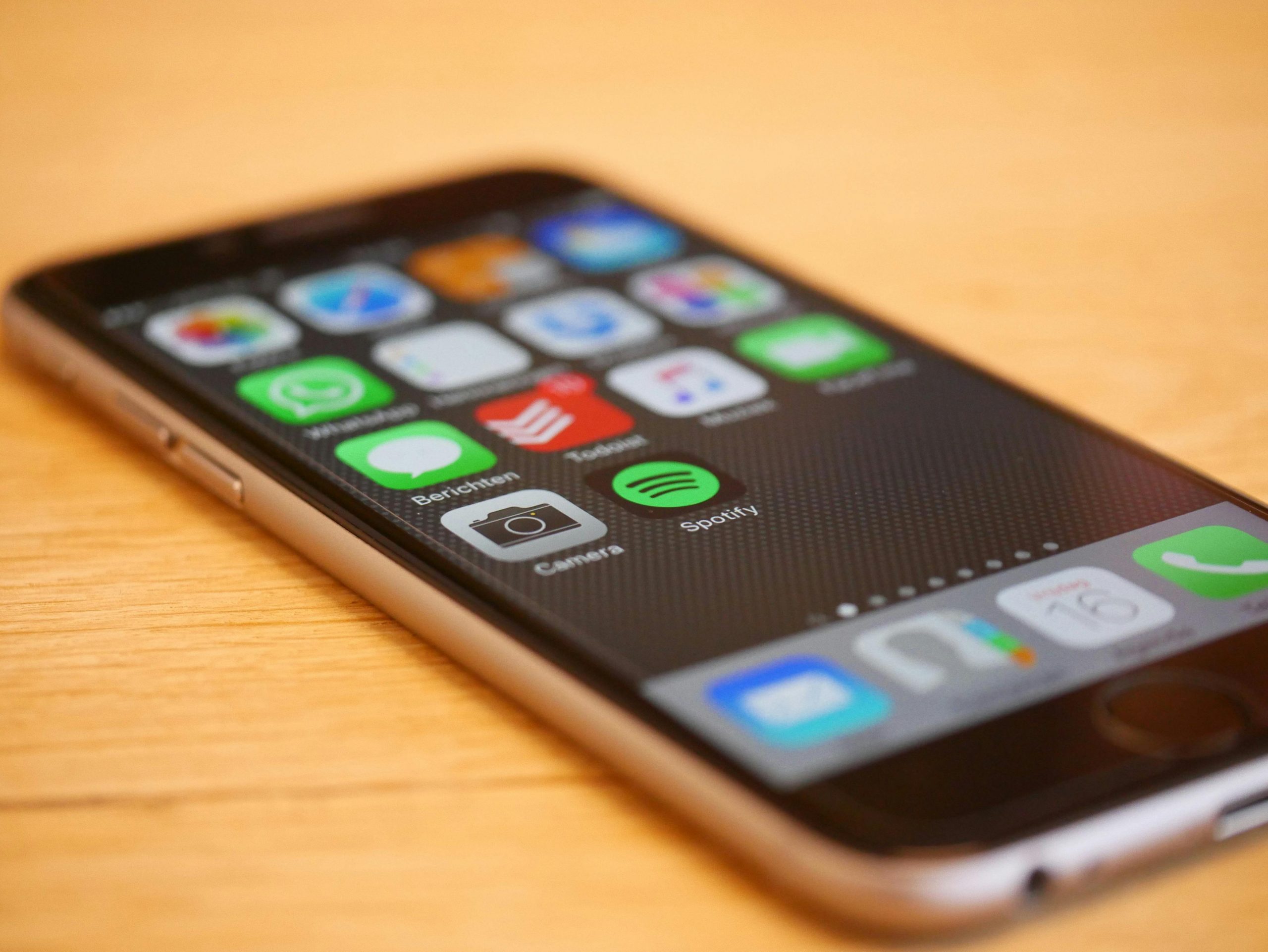
When people ask if fast charging is bad, what they are really asking about is heat. The speed itself isn’t what damages the battery; it’s the high temperature that comes with moving all that energy. Lithium-ion batteries are made of delicate chemicals. When these chemicals get too hot, they start to break down. This is called “chemical aging.”
As a battery ages, it loses its “capacity.” This is why a two-year-old phone might show 100% charge but only last half as long as it did when it was new. Fast charging naturally creates more heat than slow charging. If you fast charge your phone every single day in a hot environment, you might notice your battery health dropping faster than someone who uses a slow “old-fashioned” charger.
How Heat Affects Battery Life
- Expansion and Contraction: Heat causes the internal parts of the battery to expand slightly. Over hundreds of charges, this physical stress can cause tiny cracks in the battery’s structure.
- Electrolyte Breakdown: The liquid inside the battery that helps ions move can start to evaporate or turn into a gas if it gets too hot, which is why some old batteries look “puffy” or swollen.
- Internal Resistance: As the battery gets damaged by heat, it develops more “resistance.” This means it has to work even harder to charge, which creates even more heat—a dangerous cycle.
Setting the Scene: Charging Habits and Lifestyles
Before we get into the tips, it is important to think about how you use your phone. If you are a “power user” who plays games and uses GPS all day, you probably need fast charging just to survive until evening. If you are someone who only uses their phone for texting and light browsing, you might not need the speed as much.
One question that often comes up when talking about health is should you charge your phone overnight? For many, the answer is linked to the type of charger they use. If you use a high-speed 65-watt fast charger while you sleep, your phone stays at a high-stress level for a long time. However, if you use a slow charger at night, the heat stays low, and the battery remains much healthier over the long run.
Tip 1: Avoid “Double Heating” Your Phone
The most dangerous thing you can do for your battery is to add more heat to an already hot situation. Fast charging creates internal heat. If you use the phone for “heavy” tasks while it is plugged into a fast charger, you are creating “double heat.”
What to Avoid While Fast Charging
- High-End Gaming: Games like Genshin Impact or Call of Duty push your processor to the limit. Combining that with fast charging is a recipe for battery degradation.
- Video Recording: Using the camera, especially for 4K video, makes the phone very hot.
- GPS and Navigation: If your phone is on a car dashboard in the sun while fast charging and running Google Maps, you are essentially “cooking” your battery.
Tip 2: Remove the “Winter Coat” (Phone Cases)
We all love our phone cases. They protect our screens from cracks and show off our style. However, some cases—especially the thick, rugged ones designed for extreme protection—act like an oven mitt. They trap the heat inside the phone.
During a normal, slow charge, this isn’t a big deal. But during a fast charge, the heat needs somewhere to go. If the heat can’t escape through the back of the phone, it stays trapped against the battery.
Choosing the Right Charging Environment
- Go Naked: If you are using a super-fast charger, consider taking the case off for the 30 minutes it takes to fill up.
- Hard Surfaces Only: Never fast charge your phone on a bed, pillow, or sofa. These soft surfaces trap heat. Always use a hard, flat surface like a desk or a kitchen counter.
- Airflow Matters: If you are in a very hot room, charging your phone near a fan or in an air-conditioned area can make a huge difference in battery health.
Tip 3: Don’t Always Aim for 100%
This is a tip that many people find hard to follow. We have been trained to think that 100% is “good” and anything less is “bad.” But Lithium-ion batteries are actually quite stressed when they are completely full. They are also stressed when they are completely empty.
The “Goldilocks Zone” for a battery is between 20% and 80%. When you use a fast charger to go from 80% to 100%, you are forcing energy into a “wet sponge” that is already full. This creates the most heat and the most chemical stress.
The Power of the “Quick Boost”
- The 50% Top-Off: Instead of charging once a day to 100%, try two small “boosts” during the day. Use your fast charger to go from 30% to 70%. It’s fast, keeps the heat low, and keeps the battery happy.
- Use Software Limits: Many modern Android phones and iPhones have settings that allow you to stop charging at 80% or 85%. This is one of the best ways to ensure your phone lasts for four years instead of two.
Tip 4: Use Only Certified Cables and Bricks
In the tech world, you often get what you pay for. It is tempting to buy a $5 “Super Fast Charger” from a gas station or an unverified online seller. However, fast charging requires a very delicate “handshake” between the wall brick, the cable, and the phone.
If the cable is poor quality, it might not be able to handle the high current. This can lead to the cable melting, or worse, the charger sending too much voltage to your phone and bypassing the safety chips.
How to Spot a Good Charger
- MFi for Apple: If you have an iPhone, look for the “Made for iPhone” (MFi) logo on the box.
- Brand Names Matter: Stick to the charger that came in the box, or buy from reputable brands like Anker, Belkin, or Ugreen.
- Check the Wattage: Make sure the charger’s wattage matches what your phone is designed for. Using a 100-watt laptop charger on a phone that only supports 25-watt charging is usually safe because of the “smart” chips, but using a cheap, uncertified brick is never a good idea.
Tip 5: Keep Your Software Up to Date
It might seem strange that a software update can help your battery, but it’s true. Smartphone manufacturers are constantly tweaking the “charging algorithms.” When a new phone is released, the company monitors how the batteries are performing in the real world. If they see that the phones are getting too hot, they will release a software update to change how the fast charging works.
Software Features to Look For
- Adaptive Charging: This feature learns your habits. If it knows you don’t need your phone for four hours, it might slow down the charging speed to keep the battery cool.
- Battery Health Reports: Both iOS and Android now give you a “Battery Health” percentage. Check this once a month. If it drops quickly, you might need to change your charging habits.
- Lowering Power Mode: If your phone is running hot, turning on “Low Power Mode” can reduce the work the processor is doing, which cools down the phone before you plug it in.
The Longevity Mindset: Is it Worth the Worry?
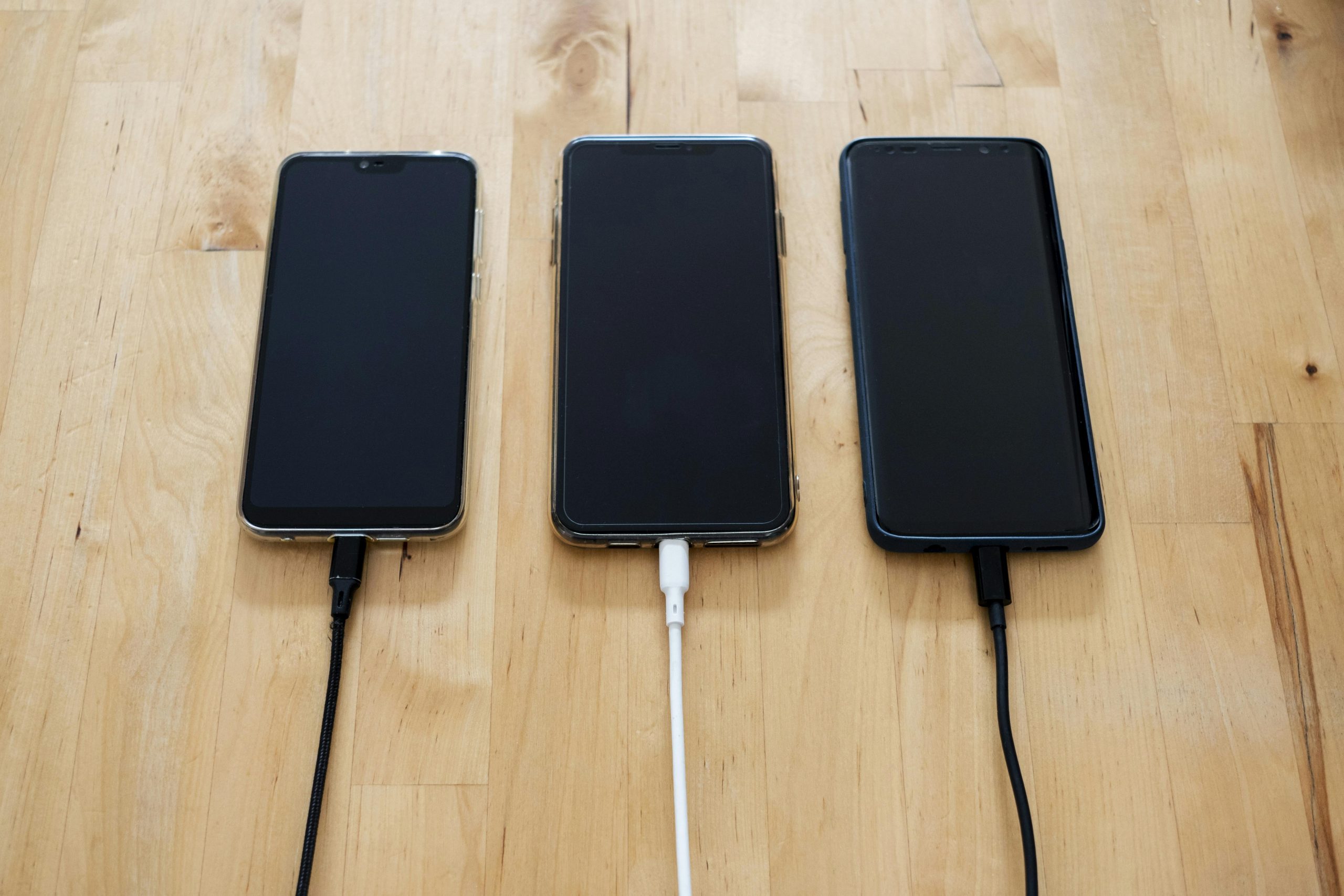
At the end of the day, a phone is a tool. It is there to make your life easier. If you are constantly stressed about the exact percentage of your battery or if the room is exactly 72 degrees, you aren’t enjoying your tech.
Fast charging is a massive benefit for our busy lives. The goal of these tips is not to make you stop using fast charging, but to help you use it smarter. If you follow these five steps, you can enjoy the “magic” of a 30-minute charge without having to buy a new phone in eighteen months.
A Quick Recap for Busy Techies
- Cooling is King: Keep the phone out of the sun and off the bed.
- Stop at 80: You don’t always need a full tank.
- Quality Over Price: Don’t trust your $1,000 phone to a $2 cable.
- Be Mindful at Night: Use a slow charger when time doesn’t matter.
Final Thoughts on Fast Charging
Is fast charging bad for your phone? Not if you handle it with a little bit of common sense. The technology is designed to be safe, but it can’t account for every environment. If you treat your battery like the delicate chemical engine it is, it will serve you well for many years.
Tech is always changing. Maybe in five years, we will have batteries that never get hot and never wear out. But until then, staying informed and being a little bit careful goes a long way. Take care of your battery, and it will take care of you.